
How to Check Whether an AI Agent Really Did the Job: What a False Success Report Taught Me
Second Brain
10 min readBy Juliusz Tomeczek
What Breaks in a Second Brain, Part 1: The Success Report That Wasn’t True
🎧 Listen to the podcast about this article
In the final episode of my second-brain series, I promised a few articles about problems that only show up after a few months of working with a system like this. I’m starting with the problem that was hardest to notice, because the agent kept assuring me that everything was fine.
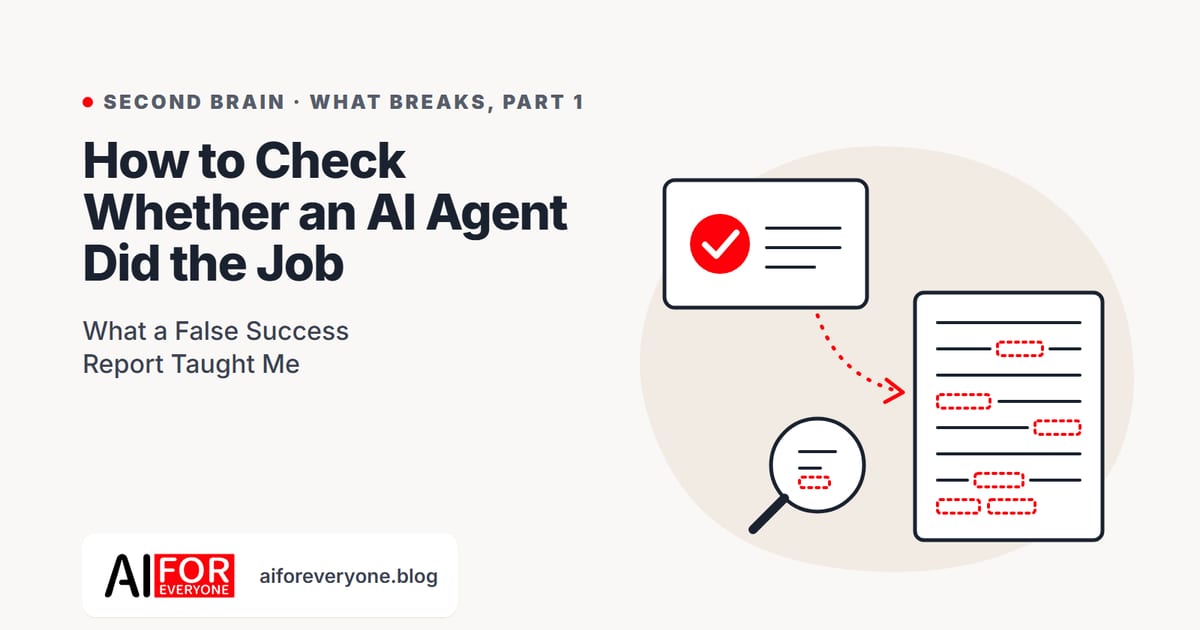
In July 2026, an AI agent was fixing one line of a note in my knowledge base. Its report said the task was done. In fact, the agent had deleted text from the note in six places. The report sounded just as confident as every report before it, and nothing in it suggested that anything had gone wrong.
I’m writing this for people who run a second brain on their own, for example in Obsidian, with the help of an agent such as Claude Code. I describe how the error happened, how to catch a similar error in your own notes, and how to prevent it from happening again. My examples come from the same three fields as in the series: legal practice, software implementation, and sales.
What happened
The agent was editing the note with a regular expression, a rule that tells a program to find a piece of text and replace it with something else. A rule like that has two parts: the pattern the program looks for and the text it puts in place of the match. The replacement text can contain a reference to part of the match, and the program then keeps that part in the note. In the agent’s rule, an invisible control character had ended up where that reference should have been. So with every replacement, the text that was supposed to stay disappeared from the note, and the control character took its place.
The note wasn’t under version control yet, so there was no history to restore the earlier content from. (Version control is software that records every version of your files and lets you go back to any of them.)
In software, automated tests usually catch an error like this. Nothing checks notes automatically, so an agent’s error can sit unnoticed in a knowledge base for a long time.
Why the agent says “done” even when the task has failed
This mistake and later ones taught me a simple lesson: an agent’s report is its own account of the work it did. The agent tells you what it did, but it doesn’t always check what came of it. If a program the agent runs finishes without an error message, the agent treats the task as done, even when the result isn’t what it intended.
That doesn’t mean the agent is lying. It just means that “done” in a report is a claim, not the result of a check. That’s why you need to check the agent’s work independently of its report. You can check it yourself or explicitly ask the agent to.
The table below shows what a similar error could look like in each of the three fields. I made these examples up to illustrate how this kind of error happens.
| Field | What the agent says | What might really have happened |
|---|---|---|
| legal practice | “I updated the page on this legal issue with the new ruling.” | the agent deleted the description of the earlier ruling instead of keeping it and marking it as the prior position on the issue |
| software implementation | “I made the module name consistent across all notes.” | the replacement also changed notes about a different module with a similar name, as well as quotations from the documentation |
| sales | “I added the takeaways from the call to the client page.” | the new takeaways overwrote the ones from the previous call |
In each of these cases, the report is true in the sense that the agent really did something. What’s false is the conclusion the reader of the report draws: that the agent changed nothing beyond what it described.
How to catch this error in your own system
I use the five steps below in my own second brain. Apply the first three to every task in which the agent changes files, the fourth to tasks your later decisions depend on, and the fifth whenever the agent repeats an error it has made before.
1. Before the agent changes its first file, make sure every change can be undone. The simplest way is to copy the whole folder before a larger task, as I described in the third episode of the series. Version control is more convenient, because it records every change separately and shows how the new version of a file differs from the previous one. If you don’t know how to get started with it, ask the agent to set it up in your notes folder. In my case, this was exactly the step that was missing.
2. Ask for a report with evidence, not just a claim. Add a rule to your rules file that tells the agent, after every edit, to show you exactly what it changed:
- Whenever you change files, list the files you changed and give the number of lines added and removed in each one. Quote each changed passage as it read before and after the change. Treat the task as done only after you have opened each changed file and checked the result.3. Compare the scope of the change with the scope of the task. This is the simplest check I know. If the July report had listed every place the agent changed, I would have noticed right away that the task involved one line but the agent had changed the note in six places. Before you close a task, check one thing: does the number of changed files and lines match what the agent was supposed to change? If the agent was supposed to fix one sentence and the report lists three files, open all three.
4. Open the changed file. A report with evidence is still written by the agent that did the work. That’s why, for tasks my later decisions depend on, I open the note and read the changed passage along with the text around it. The control character is invisible, but missing text is obvious right away. For larger tasks, it’s enough to look at a few files, but you pick them, not the agent, because whoever did the work shouldn’t decide how much of it gets checked. In legal practice, open the page on the legal issue your brief relies on. In an implementation project, open the note with the decision you’re passing on to the team. In sales, open the client page you read before a meeting.
5. When the agent makes the same error a second time, turn the written rule into a hard block. A rule in the rules file works only if the agent remembers it at the right moment. The Claude Code documentation says plainly that the agent treats the contents of the rules file as guidance, not as settings it must strictly follow. An error that keeps coming back despite a written rule therefore calls for a mechanism that doesn’t depend on the agent’s memory. In Claude Code, that mechanism is a hook: a command that Claude Code runs automatically before the agent uses a tool named in the settings, and that can stop the agent from using it. You don’t have to write the hook yourself. Describe the error to the agent and ask it to build a block that will keep the error from happening again. Then test the block: tell the agent to run a command the block should stop, and check that the block actually stops it.
What I changed in my own work
After the July incident, I split the work between two sessions, meaning two separate runs of the agent. The first session works in the knowledge base and plans tasks. The second deals only with code, for example the code for this blog, and never writes anything to the notes. The second session gets a written brief from the first, and when it finishes, it hands back a report. Before I close a task, I open the live page affected by the code change in my own browser and check whether what I see there matches the report.
If you run your second brain by yourself, this split comes down to one simple rule. An agent that does anything other than maintain your notes works in a separate folder and doesn’t change your note files. If that work requires a change to your notes, the agent describes the change in its report, and you pass it on, in a separate conversation, to the agent that maintains your notes.
In October, the same error came back in a different situation: within two days, an invisible control character showed up in the agent’s commands four times. No content was lost this time, but on one of those four occasions the error came to light only after a program the agent had run printed a warning and the agent then looked at the file it was editing. The agent already had a written rule on how to avoid this error, but the rule worked only when the agent remembered it while writing a command. That’s why an automatic block now checks every command before the agent runs it and rejects any command that contains a sequence a program could turn into a control character.
Both incidents led to a rule I apply to every recurring error. The first time an error happens, I add a note to the rules file on how to avoid it. When the error comes back despite that note, I set up a block that works whether or not the agent remembers it.
Your checklist for this week
- Check whether every change in your notes folder can be undone. If not, copy the folder or set up version control before you give the agent its next task.
- Add the rule about reports with evidence to your rules file. Copy it from this article.
- On the next task in which the agent changes files, compare the scope of the change with the scope of the task and open at least one changed file.
- Keep a record of the agent’s errors so you can spot the ones that repeat. When the same error happens a second time despite a rule in the rules file, turn that rule into a block.
What’s next
In upcoming articles, I’ll describe other problems that show up after a few months of working with a second brain, and how to catch them.
If you want your team to learn to work with a second brain and an AI agent, take a look at the JT CONSULTING website. There I describe how I train teams in which each person keeps their own knowledge base. Future articles will go out in my newsletter, so sign up to make sure you don’t miss them.
Sources
- Earlier episodes of the series: How to Build a Second Brain Step by Step and How to Use a Second Brain Every Day.
- Anthropic, Claude Code documentation: the rules file and hooks, as of November 21, 2026.
This text was written with the help of artificial intelligence tools, because that’s how I work every day and how I teach others to work. I have checked every claim in it and I put my name to each one. The incidents described here come from records in my knowledge base, and the examples from the three fields are made up to illustrate how this kind of error happens.
Juliusz Tomeczek, AI for Everyone

About the author
Juliusz Tomeczek
My name is Juliusz Tomeczek. I run the AI for Everyone blog and publish articles here about artificial intelligence.
 Websites I builtJT CONSULTINGI run AI training courses for companies, build websites and handle their SEO.jt-consulting.pl (opens in a new tab)
 Websites I builtDigital Mentors HubI built a website for an AI transformation expert and set up a server for their open-source tools.digitalmentorshub.com (opens in a new tab)
 Websites I builtSmaczakiI built and still maintain the wholesale website for an importer of meat-based dog treats.smaczaki.pl (opens in a new tab)
 Websites I builtSpretechI built the website for a spring manufacturer in Katowice and handle its SEO.spretech.com.pl (opens in a new tab)
Related articles
16 min read
How to Use a Second Brain Every Day: Sources, Questions, and a Weekly Review
What to do every day, once a week, and once a month so that a second brain kept by AI doesn't fill up with out-of-date pages. The article gives you four tasks, three ready-made instructions, and a list of signs that the system is working.
- #Second Brain
17 min read
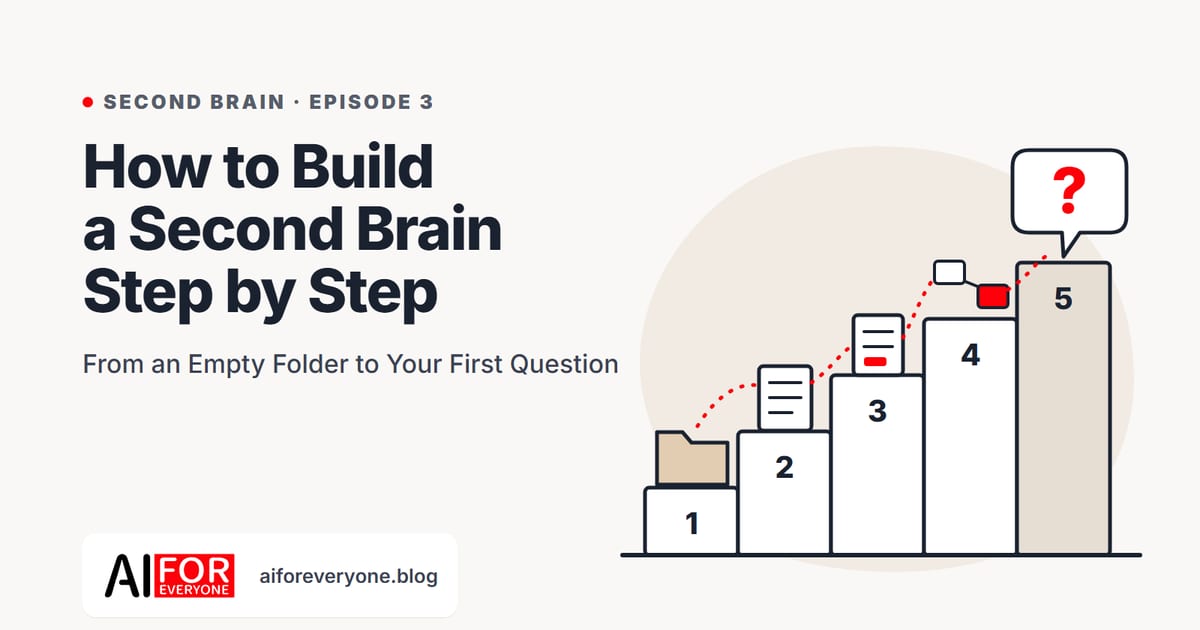
How to Build a Second Brain Step by Step: From an Empty Folder to Your First Question
Five steps from an empty folder to the first answer you can check against its source: a folder, a rules file, one source at a time, a first question and a first review. A guide for people who don't write code.
- #Second Brain
15 min read
Notes That AI Keeps in Order: From Tiago Forte's Method to a Wiki Run by a Model
Computers learned to store and search notes, but keeping them in order was still a human job. This article explains what Tiago Forte's method added to note-taking, what Andrej Karpathy's pattern changes, and which notes are still worth writing yourself.
- #Second Brain